
The Meeting Nobody Missed
I used to spend 6 hours a week in status meetings. That's 24 hours a month, 3 full workdays, spent reporting progress instead of making it. Every Monday I'd dial into the same calls, reciting the same bullet points. My clients nodded, asked a question or two, and we all moved on. But nothing in that hour actually advanced the project. The real work happened between meetings, in the quiet hours when I could focus. I realized the meetings were a ritual, not a necessity. They existed because clients didn't trust a black box. They wanted visibility. But do you really need a live person for that?
So I stopped. I replaced every recurring status meeting with a live dashboard that my AI workers update in real time. The first client was skeptical, until they saw the dashboard. It showed their project status, task completion, blockers, and next steps—all auto-generated by my AI agents. No scheduling conflicts, no delays waiting for my availability. They could check in any time, from any device. And I got my 6 hours back. The client didn't miss a thing. In fact, they preferred it. They had access whenever they wanted, without having to carve out time for a call.
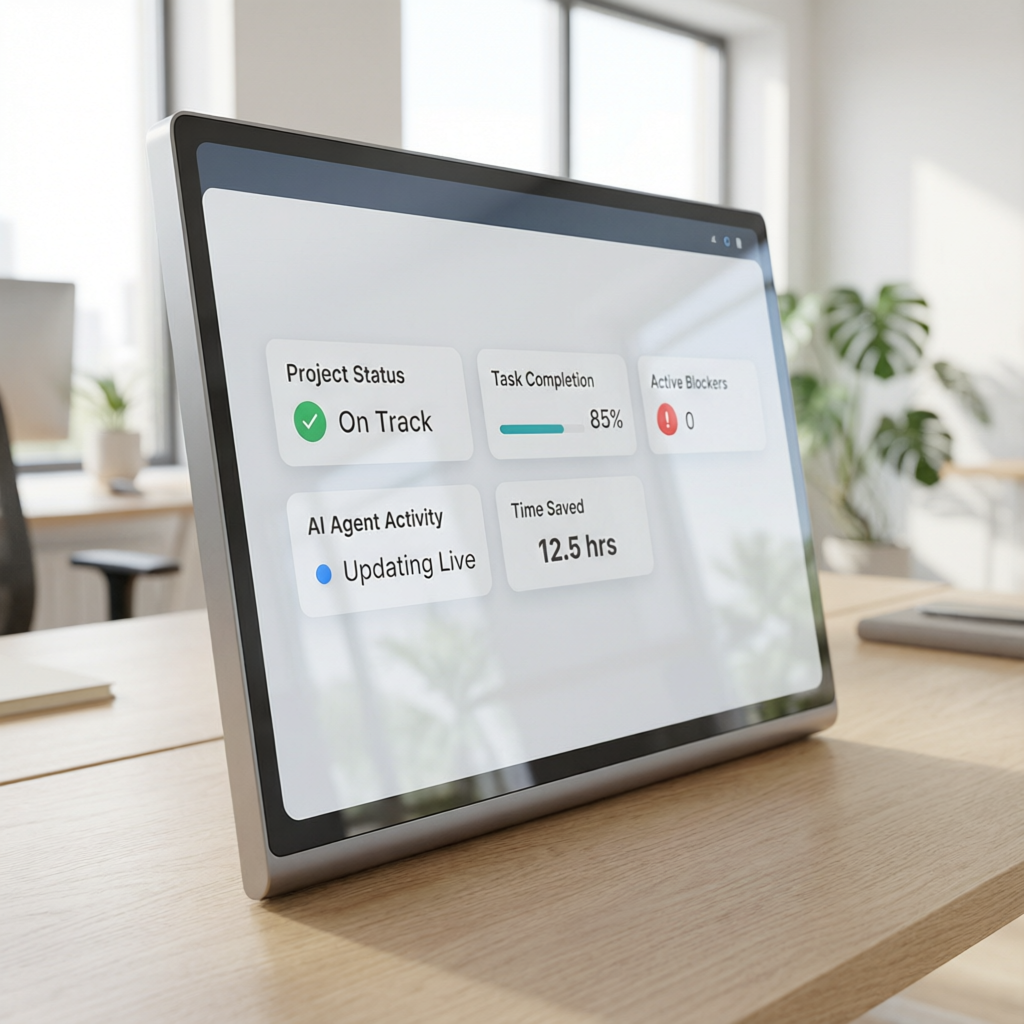
The lesson was clear: Your clients don't need you in the room. They need your system to deliver. A meeting is a placeholder for trust. Build enough transparency into your system, and the meeting becomes obsolete. That's what Free Builder's framework teaches you. You start with the core kit—a free 206-page PDF or an AI crawl token your worker uses to learn your stack. Then you direct AI workers to build your SaaS product. No code, no team, no funding. And you keep every customer and every dollar. The same principle applies to client communication: build a dashboard, kill the meeting.
This isn't about cutting corners. It's about respecting your own time and your client's time. A 30-minute meeting might cost you 2 hours in focus recovery. Multiply that by 12 meetings a month, and you've lost a day just getting back in the zone. Dashboards eliminate that overhead. Your AI worker updates the dashboard as it completes tasks. Your client sees progress in near-real-time. You both stay aligned without a single conversation. That's reclaiming time not just from the meeting itself, but from the invisible cost of context switching.

The switch isn't hard. You don't need a complex tool chain. Free Builder's kit shows you how to set up a simple dashboard that your AI worker can push updates to. Start with one project. Replace one recurring meeting. See how it feels. I guarantee you'll never look back. Your clients will adapt faster than you expect—because deep down, they'd rather have instant access than another appointment. And you'll get back those 6 hours a week to do what you actually enjoy: building your product, serving your customers, and growing your business.
Why Status Meetings Drain More Than Time
Status meetings don't just consume your calendar; they drain your mental energy and creative momentum. Every meeting forces a context switch. You've been deep in code, design, or strategy, and then you have to pivot to summarizing your work for an audience. That summary takes mental effort. You compress complex progress into a few sound bites. You gloss over struggles to appear on track. Meanwhile, the real challenges—the bugs, the design decisions, the trade-offs—wait on the back burner. By the time the meeting ends, your flow is shattered. It takes 20 minutes or more to regain deep focus. Multiply that by 12 meetings a month, and you've lost 4 hours of peak cognitive time.

There is a hidden cost, too: the opportunity cost. While you're in a meeting, you are not building. You are not solving customer problems. You are not improving your product. Every hour spent reporting is an hour stolen from creating value. For a solo founder, that hour is precious. You have no team to delegate to. Every minute you waste is a minute you can't get back. Free Builder's approach is built on maximising builder time. The framework assumes you have limited hours and infinite ideas. Your job is to direct AI workers, not attend status updates. The AI handles the busywork. The AI handles the reporting. You handle the vision and the decisions.
Clients often ask for meetings because they equate face time with progress. But progress is measurable without a call. A dashboard shows exactly what's been done, what's in progress, and what's blocked. It's more honest than a verbal update because it can't be glossed over. I've had clients spot a blocker on my dashboard and resolve it within minutes—something that would have taken a meeting to surface. The dashboard becomes a communication hub. Comments, questions, and approvals happen async. Decisions are recorded. Nothing slips through the cracks.
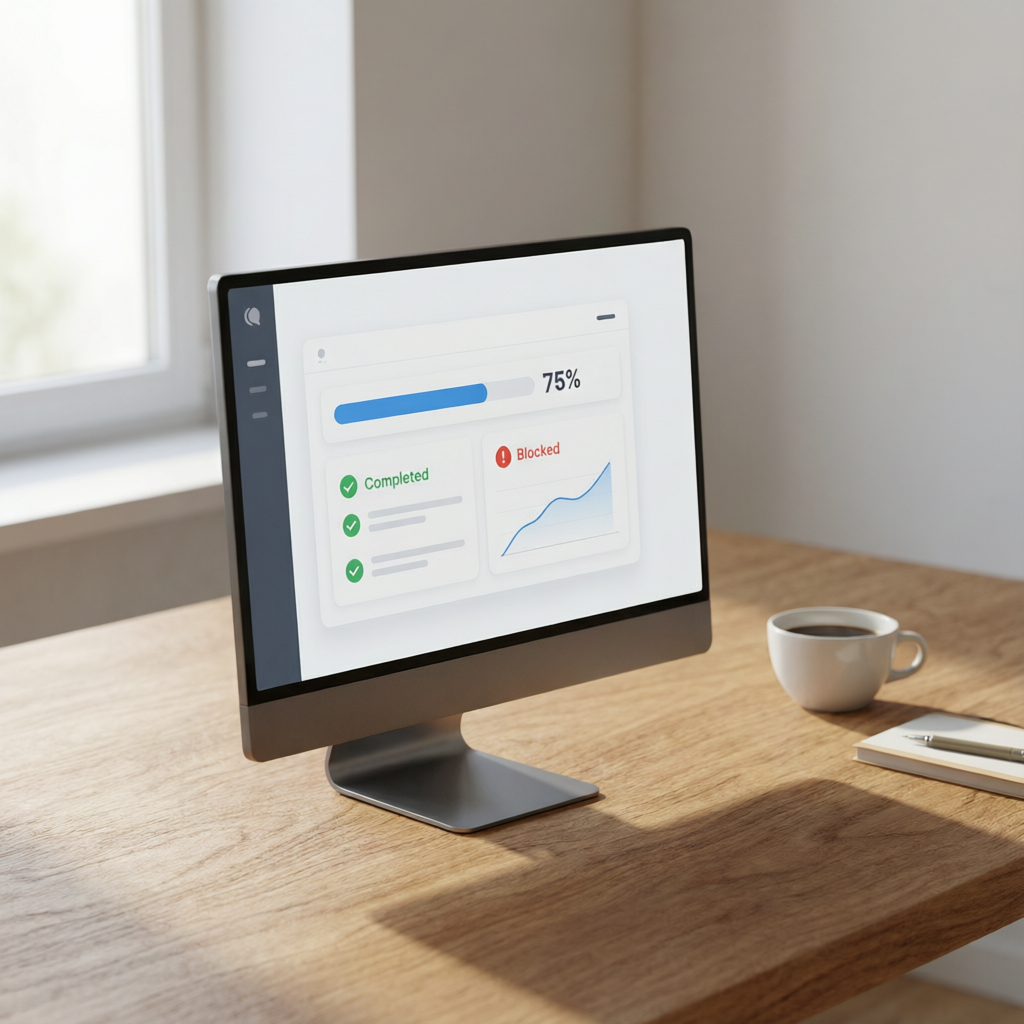
The bottom line: Meetings are a symptom of insufficient transparency. Fix the transparency, and the meeting becomes redundant. That's what Free Builder's AI-powered approach enables. Your AI worker maintains the dashboard as a byproduct of its work. You don't have to write status reports. You don't have to chase clients for feedback. They see the work happening. They trust the process. And you get to keep your focus where it matters. Reclaiming time from meetings starts with a simple shift: stop reporting, start displaying.
Building an AI Dashboard That Works While You Sleep
Free Builder's framework makes it straightforward to set up an AI worker that builds and updates a live dashboard. The core kit—a free 206-page PDF or an AI crawl token—teaches you how to define your product's core functionality and then let an AI agent execute it. For a client dashboard, you start by describing what information your client needs: task status, completed milestones, upcoming deadlines, and any blockers. You then give your AI worker access to your project's data sources—your task board, your code repository, your time tracker. The worker continuously checks these sources and updates a simple web page or embedded frame that your client can view.

The best part? You don't need to be technically savvy. The AI worker handles the integration. It reads from your tools, formats the data, and pushes it to a dashboard hosted anywhere—a simple static site, a Notion page, or a custom endpoint. The Free Builder kit includes templates and examples to get started in under an hour. Once set up, the dashboard updates automatically. Your client can bookmark it and check whenever they want. No more scheduling, no more reminders. The AI worker keeps the dashboard fresh, even while you sleep. This is not a gimmick; it's a proven system that frees you from the tyranny of synchronous updates.
I applied this to my own projects. I had a client who insisted on weekly Zoom calls. I built a dashboard using the Free Builder approach. It showed the exact same data we'd discuss on calls: tasks completed, hours spent, next steps. The first week, the client still wanted the call. By week two, they said, 'I already saw the dashboard, we're good.' By week three, the call was cancelled permanently. We communicated via short messages on the dashboard. The project finished ahead of schedule because we spent zero time in meetings. The client was delighted, and I gained 6 hours a week.
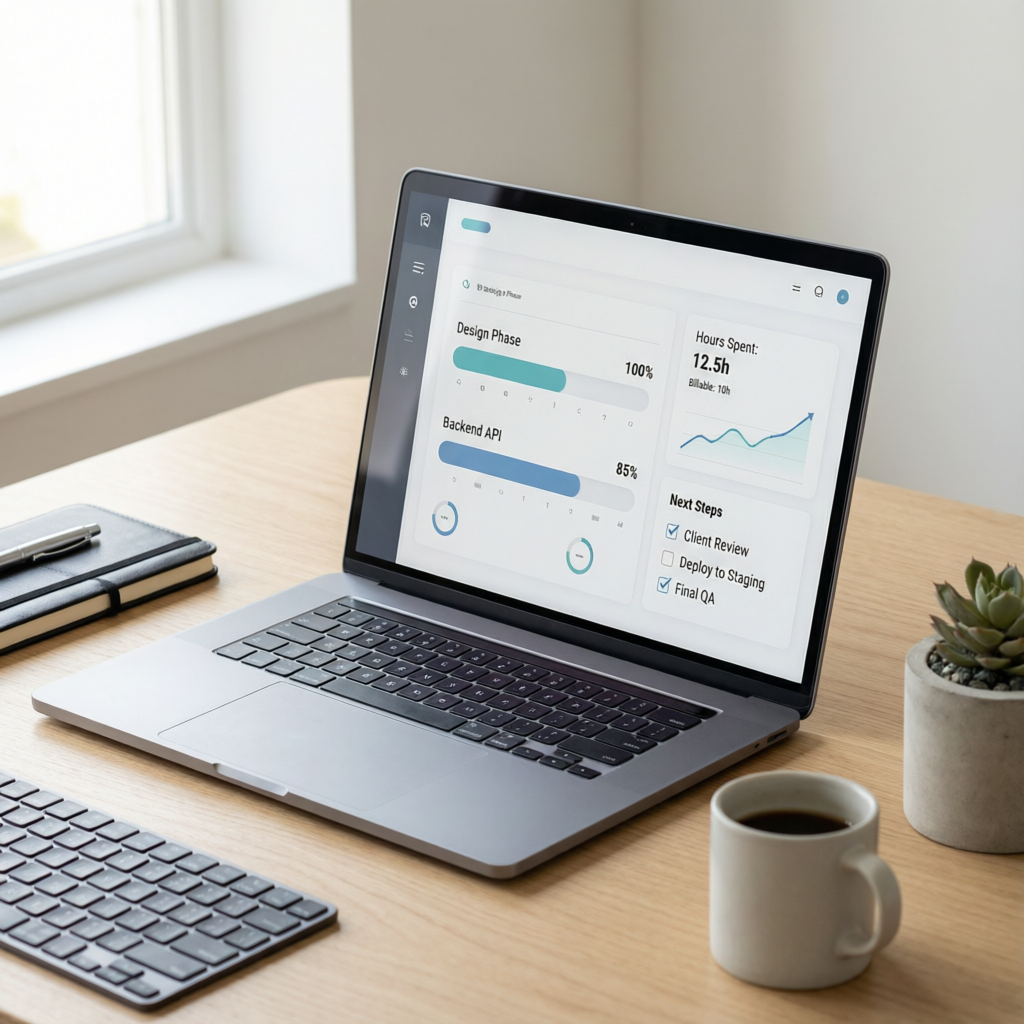
The scalability is obvious. Once you've built one dashboard, you can replicate it for every client. Your AI worker can manage multiple dashboards, each tailored to the client's needs. You maintain one system, not a calendar full of appointments. And because the dashboard is always available, your clients feel constantly informed. They never wonder what's happening. That builds trust faster than any weekly check-in. If you're ready to reclaim your time, start with Free Builder's free kit. It will show you how to set up your first AI worker and your first dashboard. The 6 hours you save this week are yours to build, create, or rest. The meeting nobody missed is the one you never have again.