
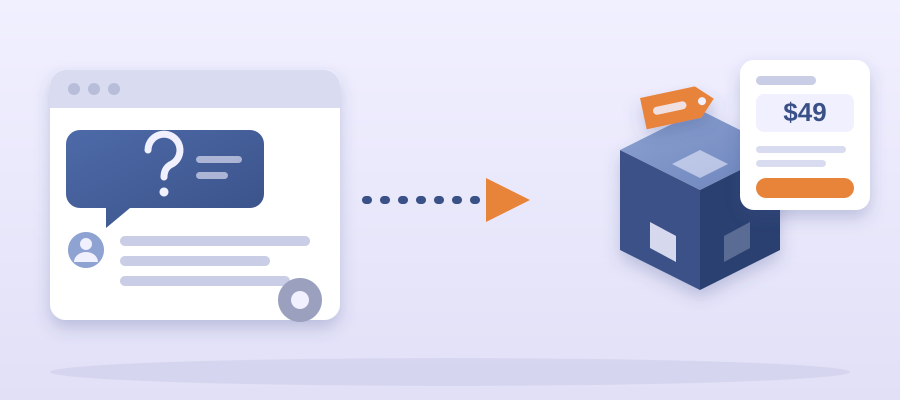
Before: The Inbox Thread That Paid You Nothing
Open your sent folder. Search for one phrase you typed this week. Something like how do I set up the export or what file format do you need. I did this in month two of Tutoplus. Forty-one replies. Same five sentences each time, dressed in a different name. I counted three hours of my week spent retyping the same answer for free.
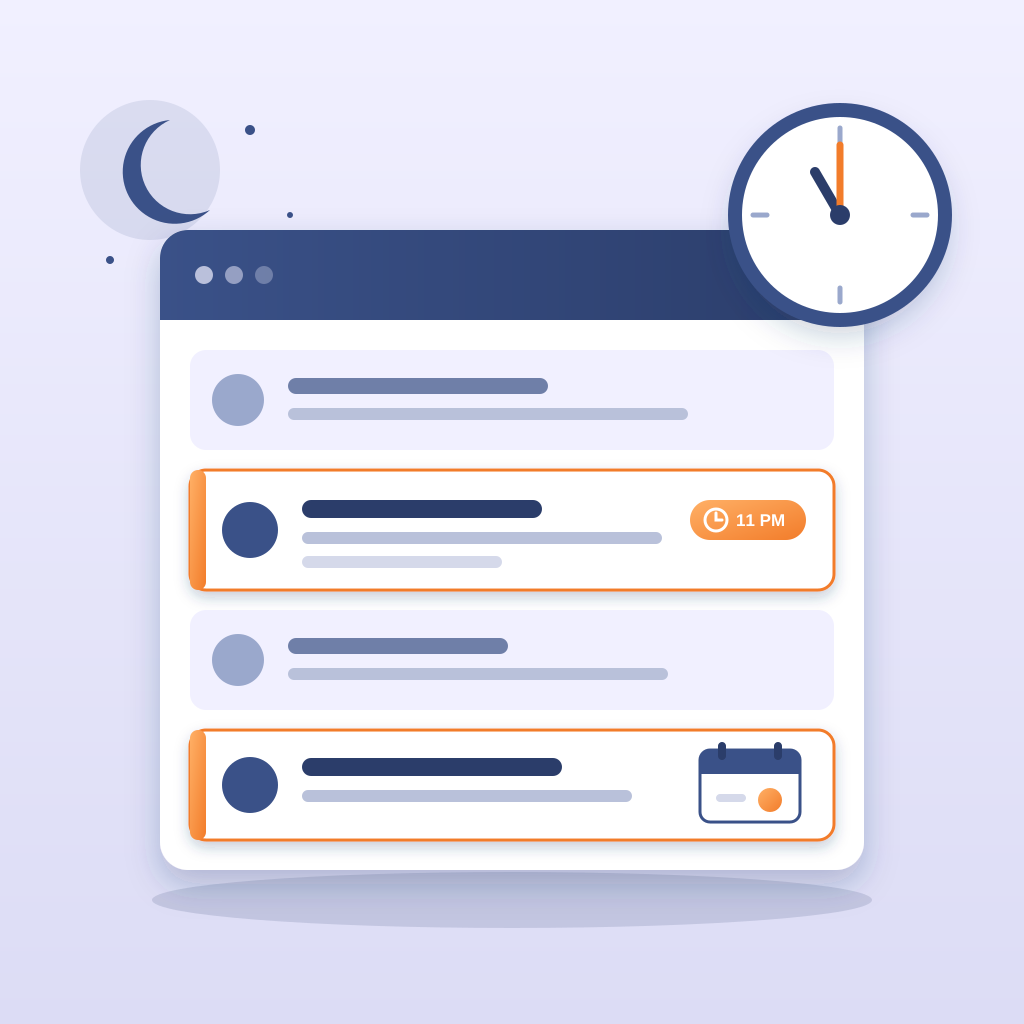
Here is the thread that stopped me. A parent wrote in at 11pm on a Tuesday. She asked how to get the weekly progress report out of the system and into a format she could hand to her child's tutor. I walked her through it in six messages over two days. She said thanks and paid me nothing extra. The next week, a different parent asked the same thing. I sent the same six messages. The week after that, a third parent. Same answer. The thread was a product spec I was writing by hand, one customer at a time, and invoicing at zero.

Name the cost. Three hours a week at my old consulting rate was $450 in billable time I handed out for free. Over a year, that is roughly 150 hours and $22,500 in work I did not charge for. That is not generosity. That is a pricing mistake dressed up as good service.
Name the cost of waiting. Every month you keep answering by hand, you pay that bill again. The question does not go away. It gets more common as you get more customers. The inbox thread is not a customer service chore. It is the most reliable market research you will ever get, and it is free because the customer already told you what they will pay to stop worrying about.
I did not build the product first. I copied the thread into a doc, pasted the six messages, and read them out loud. Five of the six messages were the same instruction. The sixth was the one that needed a human. That ratio is the whole business. Most of what you write is repeatable. One slice needs your judgment.
The Turn: What You Package
The product is not the answer. The product is the answer plus a place it lives plus a way to buy it without talking to you. That is three files and one page. You already wrote the answer. The place it lives is a page with a title, a short description, a price, and a button. The way to buy it is a checkout link. The page is the smallest part of the work.
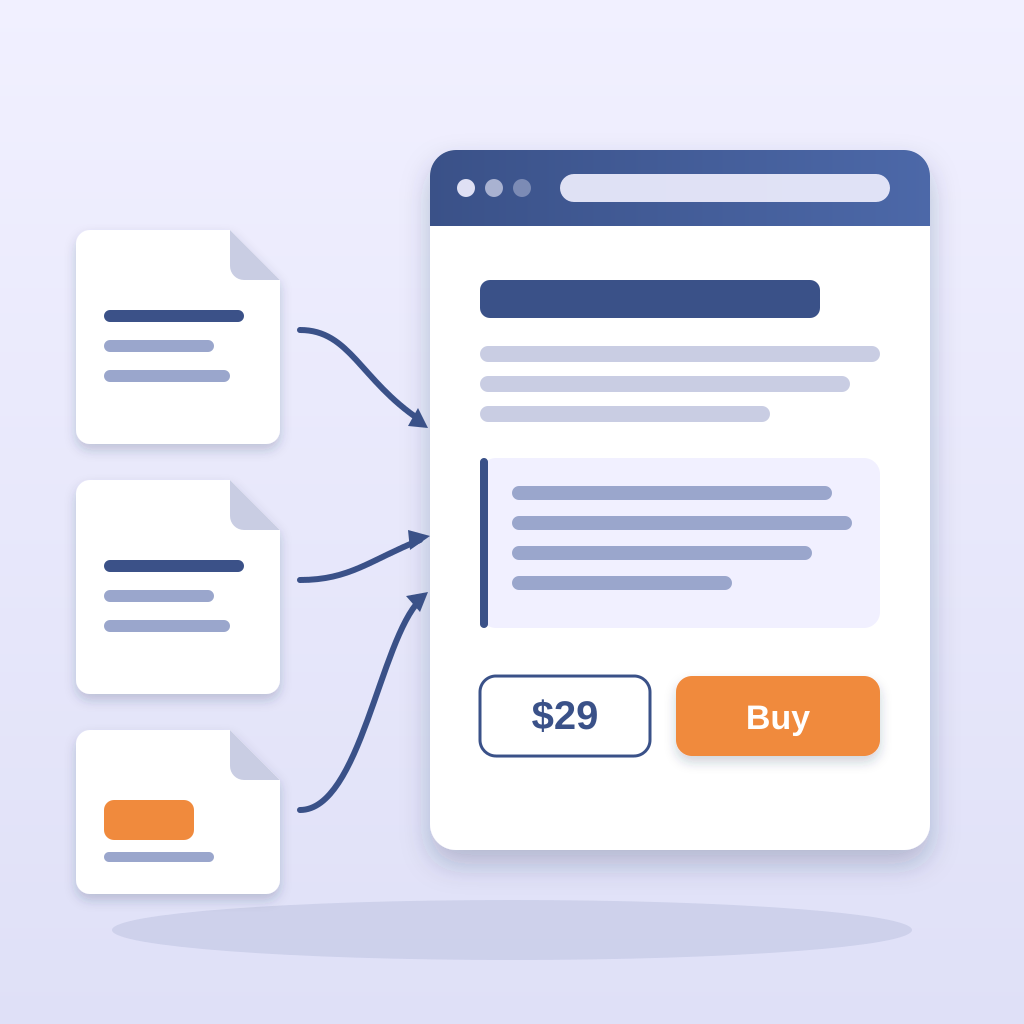
Write the title from the customer's words. Not How to Export Progress Reports. Something closer to Weekly Progress Report, Ready to Hand to Your Tutor. The customer said what she wanted in the first line of her email. Copy it. You are not writing copy. You are quoting a customer who already told you why she cared.
Price it low the first time. I priced the Tutoplus report pack at $9 a month. That is not a real price for the value. It is a price low enough that nobody has to think about it and high enough that you can see who bought. Ten buyers at $9 tells you more than one buyer at $90. You are buying information about demand with the first month, not profit. Say that out loud before you set the number, because the temptation to price high on the first try is strong and it stalls the page for weeks.
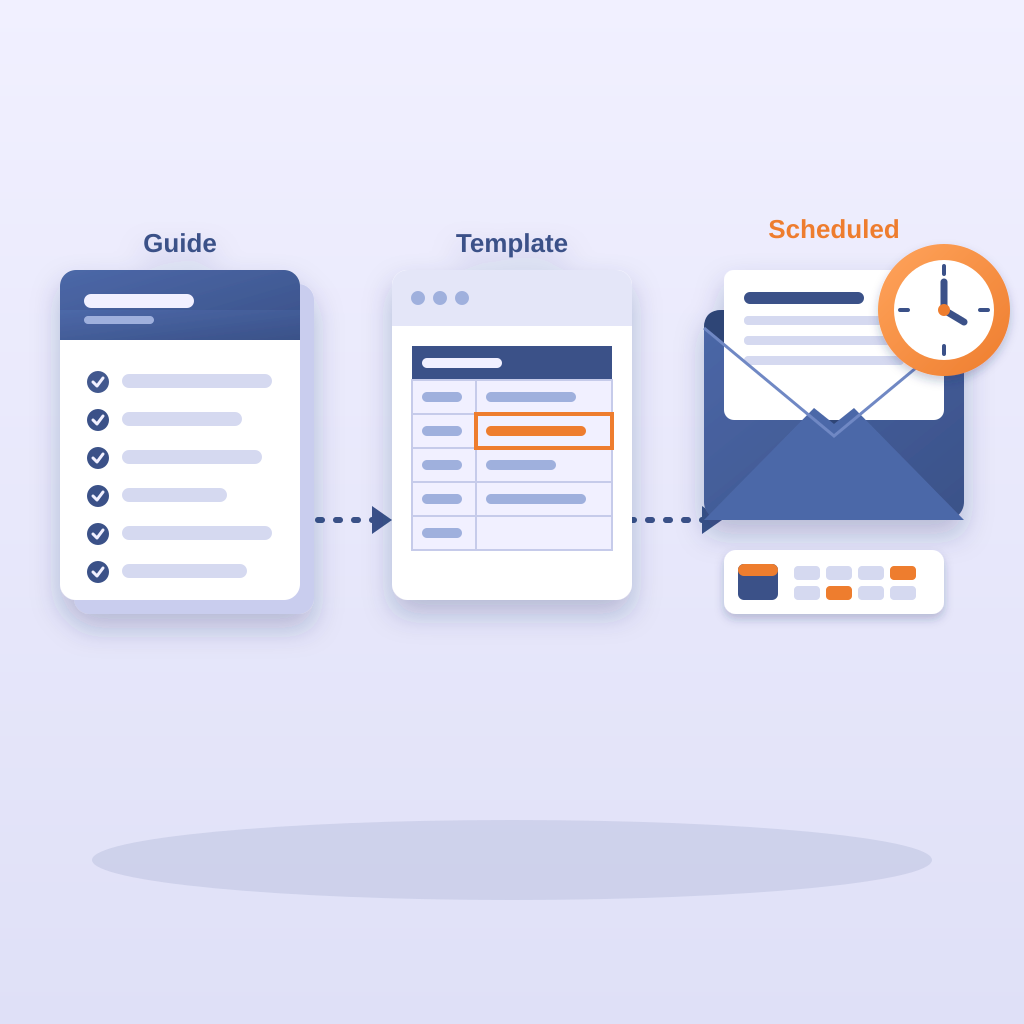
Package the answer as a short guide, a template, and a scheduled email. The guide is the six messages cleaned up. The template is the file she wanted. The scheduled email is the part that makes it a product and not a download. Your AI worker sends the guide on day zero, the template on day one, and a reminder with the next step on day seven. That loop is what turns a $9 purchase into a habit.
Do not build a course. Do not record six videos. The customer did not ask for a course. She asked for a file she could hand to a tutor. Sell her that file, wrapped in a page that explains it in four sentences. The lesson from four products is the same. The buyer pays for the outcome, not the production value. A plain page with a clear outcome beats a polished page with a vague one every time.
After: The Product Page and the Loop That Runs It
Here is the after, in plain terms. The page takes one hour to put up with the free kit. Your AI worker reads the module spec for the storefront and the pricing layout, copies the structure from the 85-file MERN reference, and stands the page up. You write the title, the four-sentence description, and the price. That is your one hour. The rest is the machine.
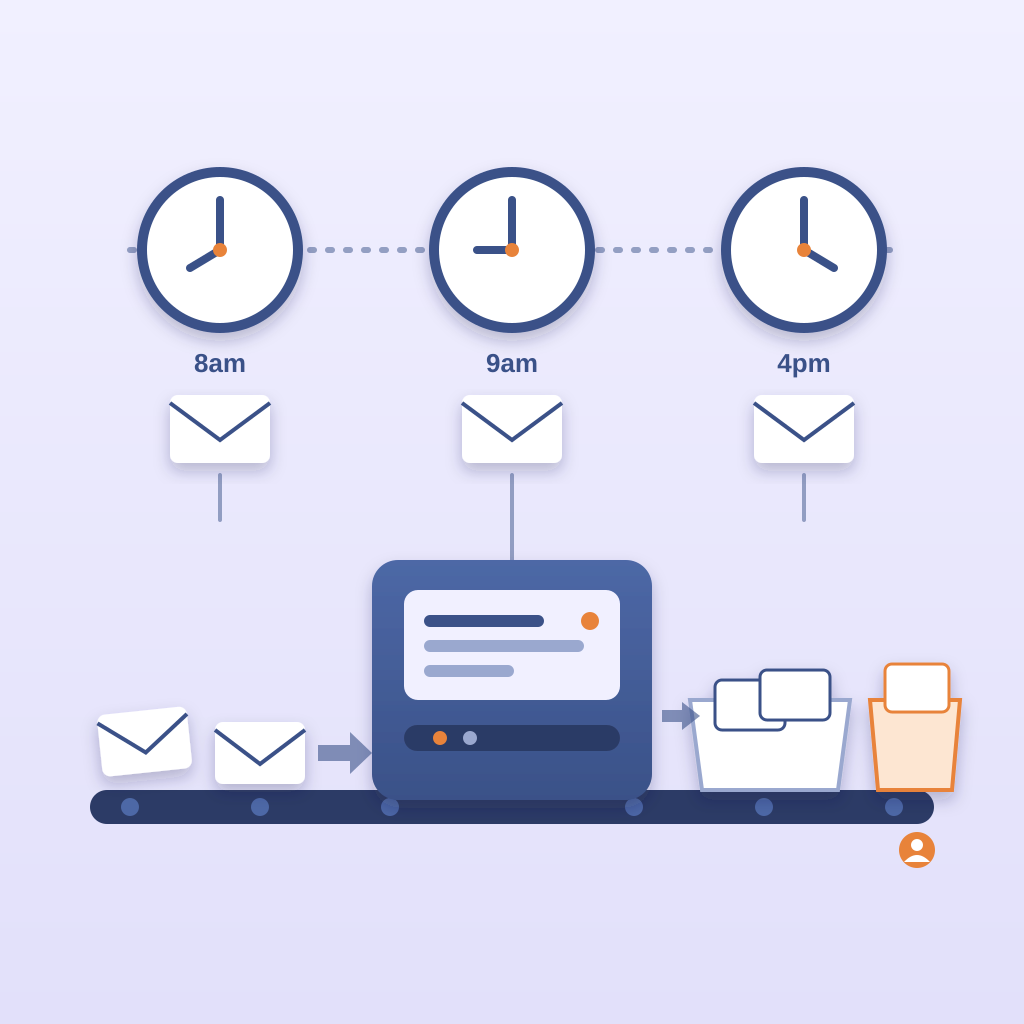
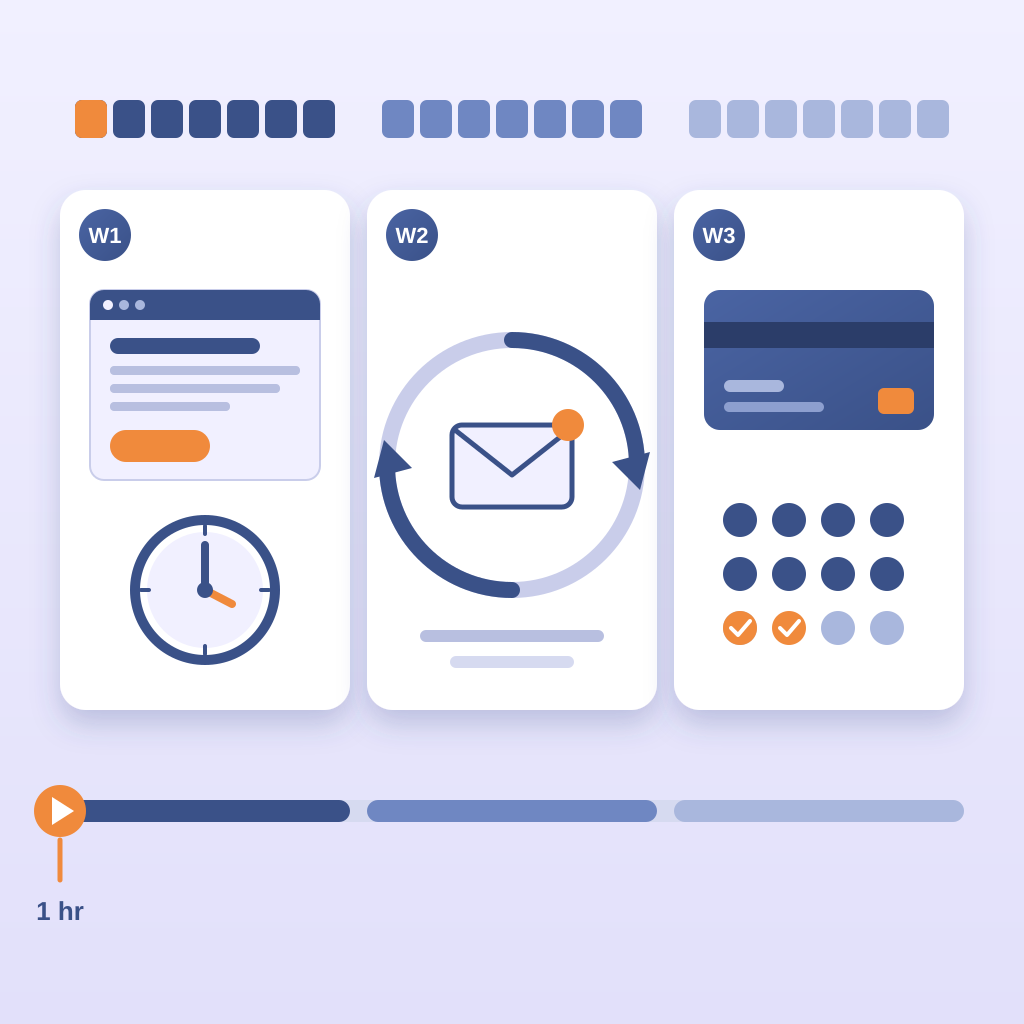
What the machine does every day is the part nobody tells you about before you build. It sends the day-zero guide at 8am. It sends the day-one template at 9am. It sends the day-seven check-in at 4pm. It reads replies, sorts the ones that need you from the ones that do not, and queues the ones that need you to a single list. You answer the queue once a day. The inbox thread that used to eat three hours now eats twenty minutes, and those twenty minutes are the ones that need judgment.
The billing runs itself too. The $9 charges on the same day each month. The failed card gets a reminder. The reminder gets a follow-up. The follow-up gets a note to you if the card fails twice. I set this up once in Prigmar and it ran for eleven months before I touched it. That is not a boast. That is the point of the framework. The daily loops are the product. You are the exception handler.
The screenshot matters here. Put the old inbox thread next to the new product page and put the two side by side on a single slide. On the left, forty-one replies and zero revenue. On the right, one page, one price, and a list of buyers. Nobody needs a spreadsheet to understand that picture. I have shown it to three people who were on the fence about building. Two of them built. The picture did the selling, not me.
What it costs. The core kit is free. The 206-page PDF and the 30-day AI crawl token cost you nothing. The paid PDF is $19 and covers the parts beyond the free kit. You do not need the paid PDF to put up this page. You need it if you want the full module set for the loops after launch. Say that plainly to yourself before you buy: the free kit stands the page up, the $19 read is for the next month. Neither one is a requirement to start.
What it takes. Three weeks of calendar time, not a quarter of runway. Week one is the page. Week two is the email loop. Week three is the billing and the first ten buyers. If you have the thread already, week one is one hour. Start there.
Do This Today, Before the Thread Gets Longer
Open your sent folder. Find the one phrase you typed more than ten times this month. Copy the thread into a doc. Read it out loud. That is the product. You do not need a name for it yet and you do not need a logo. You need the six messages you already sent and one customer who said thanks.
The next step is the title and the price. Write the title in the customer's words. Set the price low for the first month. Hand the doc to your AI worker with the storefront module spec and tell it to stand up the page. You write four sentences of description, paste the checkout link, and press publish. That is the before. The after is the same page charging nine dollars while you sleep.
One last thing about the inbox. The question that bugs you most is rarely the one that sells best. Look for the question that shows up with urgency attached. The ones sent at 11pm. The ones with a deadline in the subject line. The ones where the customer says they need this by Friday. Urgency is the signal that the customer has already decided the problem is worth money. You are not creating demand. You are pricing demand that is already in your inbox.
Build the page this week. Answer the next forty questions with a link.