
Why I Stopped Touching My Pricing
I used to treat my pricing like a living thing that needed constant feeding. Every quarter I’d sit down, pull up spreadsheets, and analyze what worked for the last 90 days. I’d add a new tier because a competitor did, or slash a discount because a customer complained. It felt proactive. In truth, I was just reacting to noise. My pricing became a patchwork of half-thoughts, and I spent more time managing it than building the product itself.
That habit didn’t just drain my calendar. It drained my mental energy. Every pricing tweak sent me down a rabbit hole of anxiety: Will this scare off new customers? What about existing ones? Should I grandfather them in? I was making decisions based on gut or a handful of data points, not a system. And because I kept changing the rules, my customers never knew what to expect. Trust took a hit. My revenue predictability cratered.

Then I realized: I wasn’t running a business. I was running a part-time pricing job. The product itself was solid. The value was clear. But the pricing mechanics were eating my focus. That’s when I decided to treat pricing like code: write it once, test it, and let it run. I needed a way to set rules that could adapt without me touching them. That meant building logic that could sense demand, competition, and customer behavior, and adjust accordingly.
The shift came when I started using an AI worker to execute those rules. Instead of manually updating prices, I defined conditions: if demand goes up by X, raise price by Y. If conversion drops below Z, offer a limited-time discount. The AI worker watched those metrics and acted. I didn’t need to approve every change — just set the thresholds and trust the system. It was terrifying at first. But within a month, I had reclaimed ten hours and saw revenue stabilize. I haven’t touched the core pricing logic since.
The Anatomy of a Self-Adjusting Pricing Page
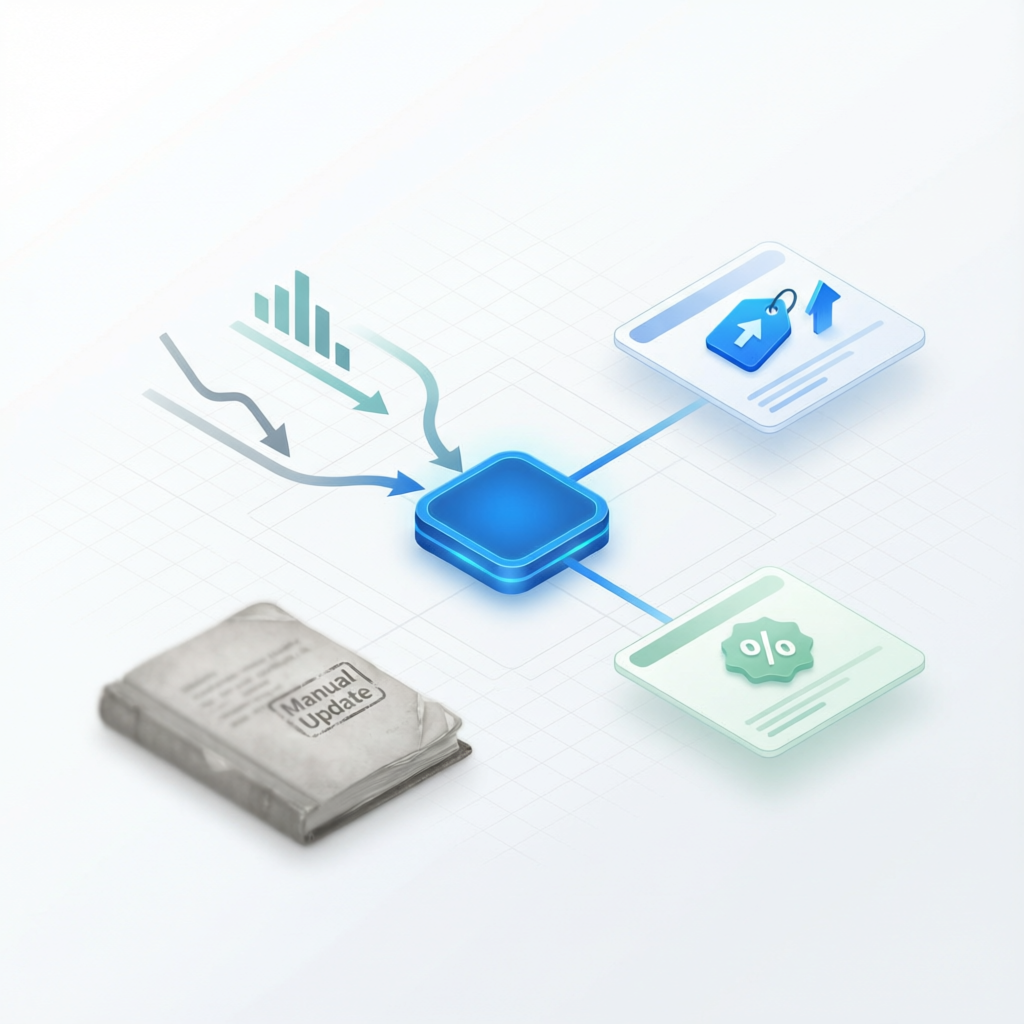
A pricing page that runs itself isn’t magic. It’s a set of rules tied to real-time signals. The first layer is demand-based adjustment. I track two metrics: page visits to the pricing page and trial sign-ups. When visits spike but conversions dip, I know price sensitivity is high — so the AI worker applies a temporary discount tier. When visits hold steady and conversions climb, it pushes the standard price up slightly. The rules are simple: if conversion rate drops below 3%, trigger a 10% off banner. If conversion holds above 5% for three weeks, raise the base price by 5%. No emotions. No quarterly meetings.
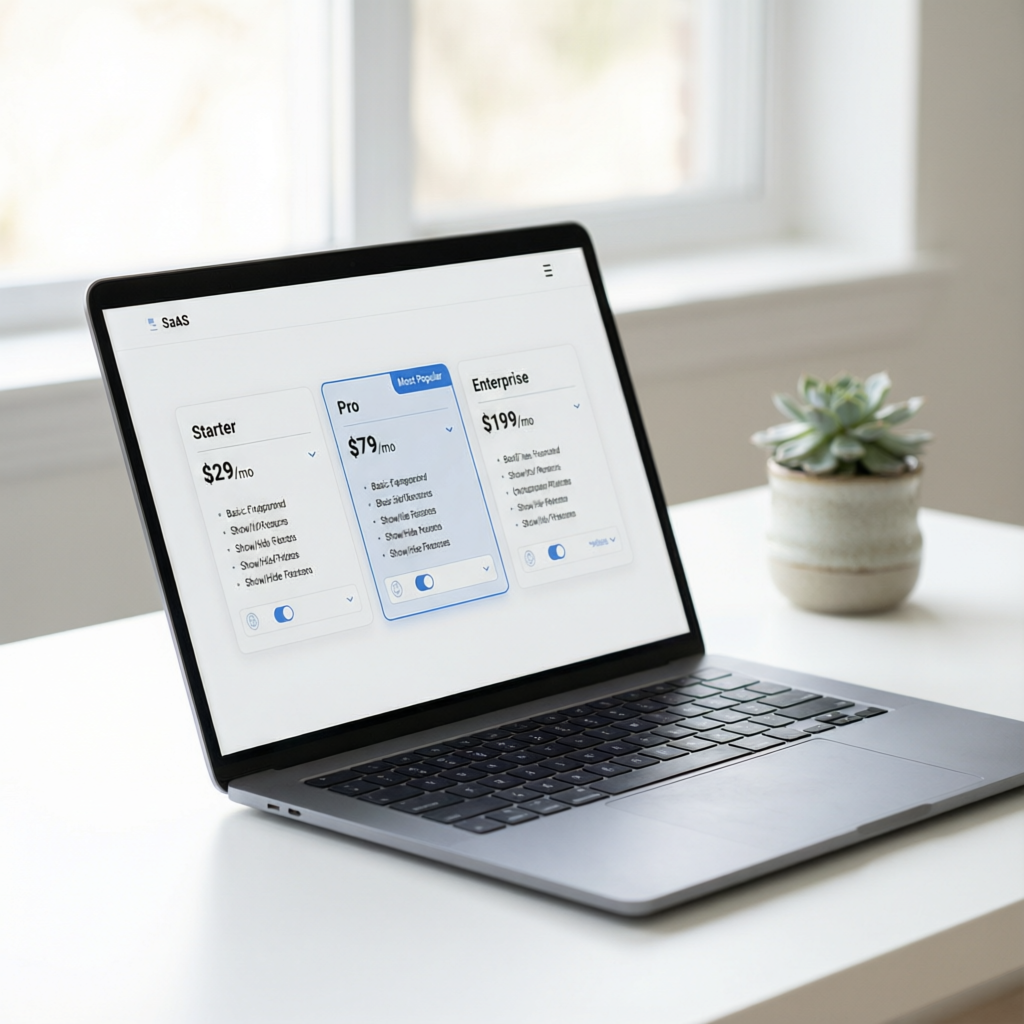
The second layer is value-based tiering. I originally had three fixed tiers: Basic, Pro, and Enterprise. But customers didn’t fit neatly into those boxes. Some needed more storage but fewer users. Others wanted the opposite. So I switched to a modular pricing model: base fee plus add-ons. The AI worker analyzes which add-ons each customer views and adjusts the order of presentation — pushing the most relevant option to the top. It also monitors which combinations convert best and automatically creates new bundles. I gave it one rule: if a combination has a 20% higher conversion than the average, create a dedicated tier. No manual A/B testing needed.

The third piece is competitive awareness. I don’t watch competitors’ pricing pages daily. I let the AI worker scrape public pricing data from three key competitors once a week. It compares my price points to theirs and flags when I’m more than 20% above or below the market. If I’m too high, it triggers a “price match” badge or a limited-time discount. If I’m too low, it nudges prices up by 5% and tests the change. The rule is: stay within 10-15% of the market median, but never compete on price alone. The AI worker doesn’t make the final call alone — it recommends, I approve once a month. But the day-to-day adjustments happen without me.
This system didn’t require a team or a developer. I used the Free Builder framework: a 206-page PDF and an AI crawl token. The PDF taught me how to define the rules — the conditions, thresholds, triggers. Then I handed the token to the AI worker, which crawled my product’s data and the competitive landscape. It built the automation within an afternoon. The hardest part was letting go of control. But once I saw the system work for a full billing cycle, I never second-guessed it again.

How to Build Your Own Pricing Automation (and Never Look Back)
You don’t need to be a pricing expert or a coder to automate your pricing page. You need three things: clear rules, a data source, and an AI worker to execute. Start by identifying the metrics that matter most for your business — conversion rate, trial-to-paid rate, churn rate, customer lifetime value. Pick two that directly impact revenue. For me, conversion rate and trial sign-ups were the biggest levers. Write down the exact conditions: If X happens, do Y. If Y happens then Z. Make them binary, not fuzzy. “If conversion drops below 3%” is a rule. “If customers seem unhappy” is not.
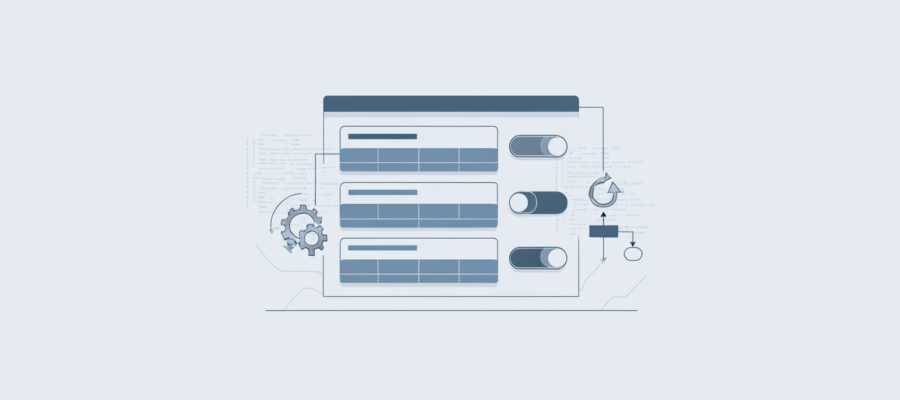
Next, connect those rules to actions. Your pricing page needs a way to change dynamic elements — like prices, banners, or tier descriptions. Most landing page builders (or even a simple CMS) support conditional content. For example, I use a snippet of JavaScript that reads a JSON file the AI worker updates. No server changes needed. The JSON file contains the current prices, discount flags, and tier labels. The page renders based on that data. When the AI worker detects a condition is met, it edits the JSON file. The page updates instantly. No deployment, no downtime, no manual work.
Then, set a feedback loop. Automation without feedback is guesswork. My AI worker sends me a weekly summary: what changed, what the results were, and any anomalies. I spend 15 minutes reviewing it on Monday morning. If something looks off — like a price spike killing conversions — I adjust the rule parameters. But that’s rare. The system learns. Over time, the rules get smarter because the AI worker collects data on which adjustments worked and which didn’t. It can even propose new rules. I usually approve them after testing on a small segment. The key is that the AI worker is the executor; I’m the strategist.
The biggest lesson I learned: automation isn’t about eliminating yourself from the process. It’s about moving from tweaking to designing. You become the architect of your pricing rather than a mechanic. And once that system is in place, you truly own your business. No more quarterly pricing panic. No more losing weekends to spreadsheet analysis. Just a pricing page that works for you, not the other way around. The first time I went six months without touching my pricing, I knew I had finally built a system, not a job.

That’s the promise of the Free Builder framework. You bring your skill; we give you the blueprint to turn it into a self-running SaaS. Pricing automation is just one block. Once you set it, you can focus on the parts that actually grow your business — product, marketing, customer experience. The pricing page becomes an asset, not a chore. And you keep every dollar, because no one is taking a cut. Just you and your AI workers, building the business you want.